Mlis Mansion (2026) — DP & colour by Nov Sovannaroth, graded with ReelSkillz Film Pro, RS Cinematic look.

The film grade, in a single OpenFX node.

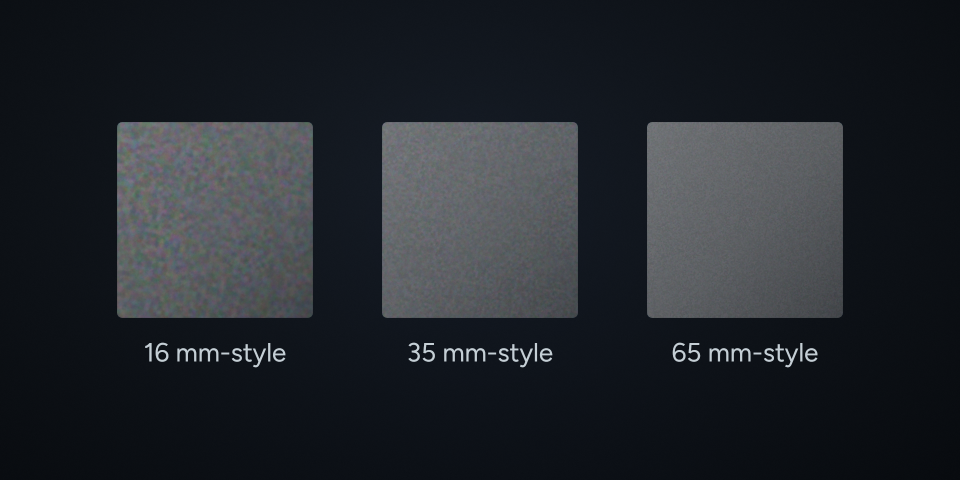
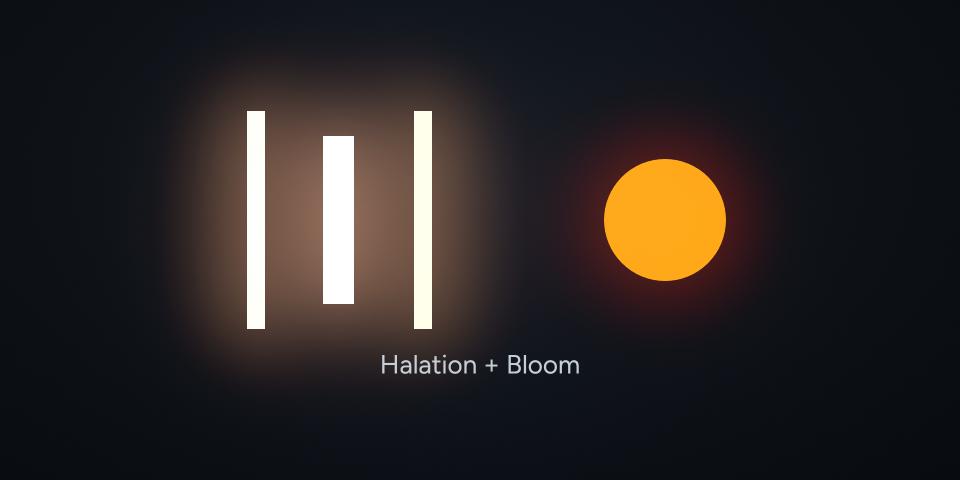
The frame above is that film, graded with this plugin and shown exactly as it was rendered — no correction, no tint, nothing dimming it. Film density, grain, halation and LUT export.

Before & after · drag the handle
Ungraded S-Log3 Graded with Film Pro S-Log3 · as recordedRS Cinematic
Camera Rec.709 Graded with Film Pro Rec.709RS Cinematic
Camera Rec.709Graded with Film ProRec.709RS Cinematic
Camera Rec.709Graded with Film ProS-Log3 · as recordedRS Cinematic
Camera Rec.709Graded with Film ProRec.709RS Cinematic
Sony FX3 · S-Log3 · DaVinci WG/Intermediate
DaVinci Resolve 18+Free & Studio
macOS 11+Apple Silicon & Intel
Windows 10 / 1164-bit · NVIDIA
One-timeLifetime · free v1.x
How to use it

It sits inside the tree you already have.

Managed timeline

Between your transforms

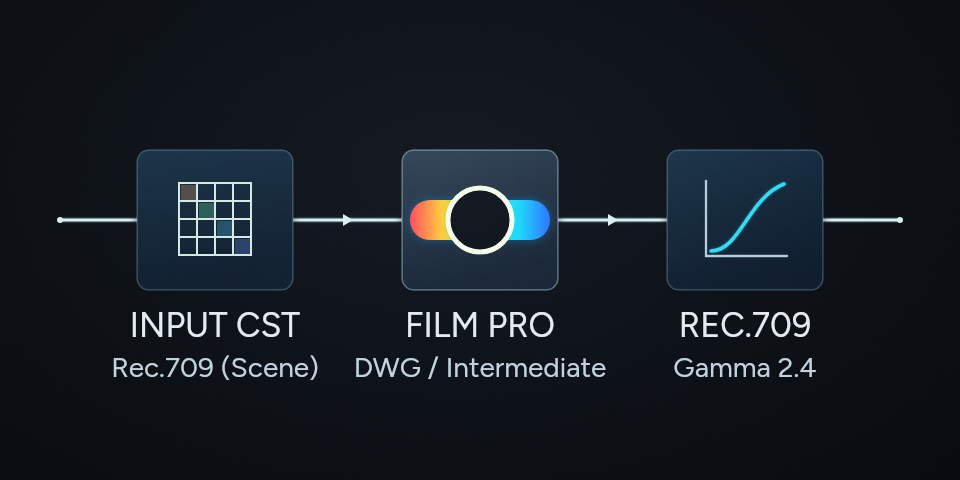
Already grading on a DaVinci Wide Gamut timeline with your own Color Space Transform nodes? Put Film Pro between them and set Working Color Space to DaVinci WG / Intermediate. It grades and returns the same space, so both transforms carry on doing their job.

ACES timeline

One node, nothing either side

On an ACES project Resolve applies the IDT and the ODT itself, from Project Settings — they are never nodes. Set Working Color Space to ACEScct or ACEScg and Film Pro is the only node in the tree.

Pricing · launch offer

Buy once. No subscription.

ReelSkillz Film Pro
The full film-grade engine in one node.
$99 $149
one-time · save $50
Get Film Pro
15-day free trial
About Film Pro ›
ReelSkillz Skin
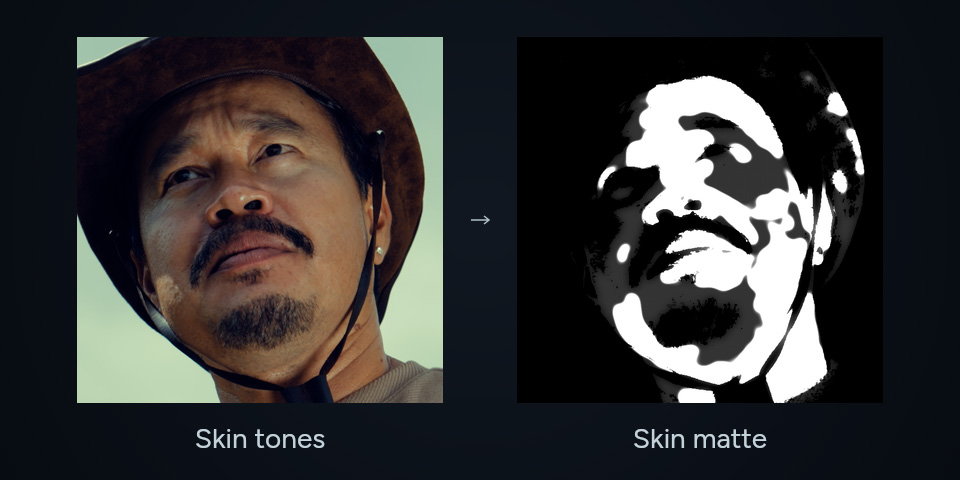
Detect, grade, heal and soften skin — one node, no roto.
$25 $35
one-time · save $10
Get Skin
15-day free trial
About Skin ›
Both together
Film Pro and Skin, one purchase.
$109 $184
one-time · save $75
Get both
15-day free trial

Both come with a 15-day free trial. After the trial the plugin keeps working — renders carry a watermark and LUT export is disabled until you buy. Nothing is uninstalled and no work is lost.

Questions
Does this work in the free version of Resolve?
Yes. DaVinci Resolve 18 or newer, free or Studio, on macOS 11+ (Apple Silicon and Intel) and Windows 10 / 11 64-bit.
What happens after the 15-day free trial?
The plugin keeps working, but renders carry a watermark and LUT export is disabled until you buy. Nothing is uninstalled and no work is lost.
Do I need a Color Space Transform?
No. Film Pro returns the same space it was handed, so on a managed DaVinci WG or ACES timeline you put it between your existing transforms and set Working Color Space to match — your IDT and ODT keep working. On ACES it converts ACES ↔ DaVinci Wide Gamut internally, with Bradford white adaptation, so the look is identical.
Is the exported LUT identical to the plugin?
Close, but not identical, and deliberately so. Grain and halation cannot be stored in a 3D LUT because they depend on neighbouring pixels, and very saturated highlights outside Rec.709 get clipped by the cube where the node lets them run past white.
One-time or subscription?
One-time. Lifetime access, with free updates across v1.x.
Which cameras does it work with?
All of them, through your timeline. Film Pro grades in DaVinci WG / Intermediate, ACEScct, ACEScg or Rec.709 Gamma 2.4, so whatever your Input Color Space Transform or ACES IDT normalises the footage to, the node takes it and hands the same space back.

Delivery

starting…